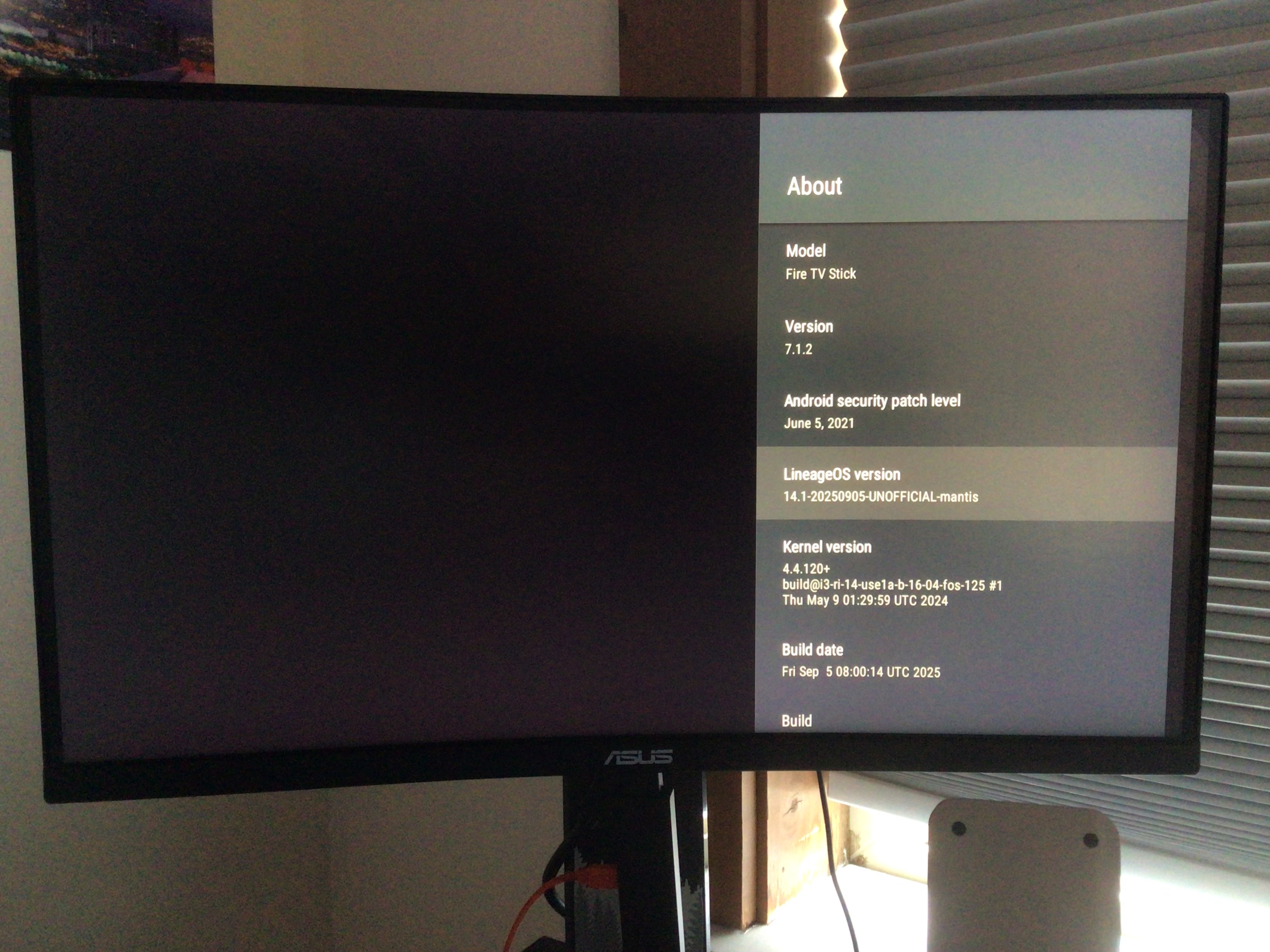
The Kamakiri exploit
The Kamakiri exploit enables us to unlock the device & install TWRP. You'll need a device which hasn't been connected to the Internet for a while (this exploit is patched in newer FireOS versions), some tin foil (or other conductive material) and a spare drive.
Flash & boot the FireISO
Even if you're running Linux, according to the Kamakiri XDA post you'll need to use their custom live ISO (which has a patched kernel)
You can download that here. Use rpi-imager or dd to flash the ISO to a drive.
Grab LineageOS
New unofficial LineageOS builds for this device are available here (XDA thread). These builds are based upon R0rt1z2's work (XDA thread) but remain more up-to-date.
Shorting pins
After downloading the LineageOS build, open up your Fire TV stick. The case is held in place with a few clips - you can just use your fingernail to pry it open.
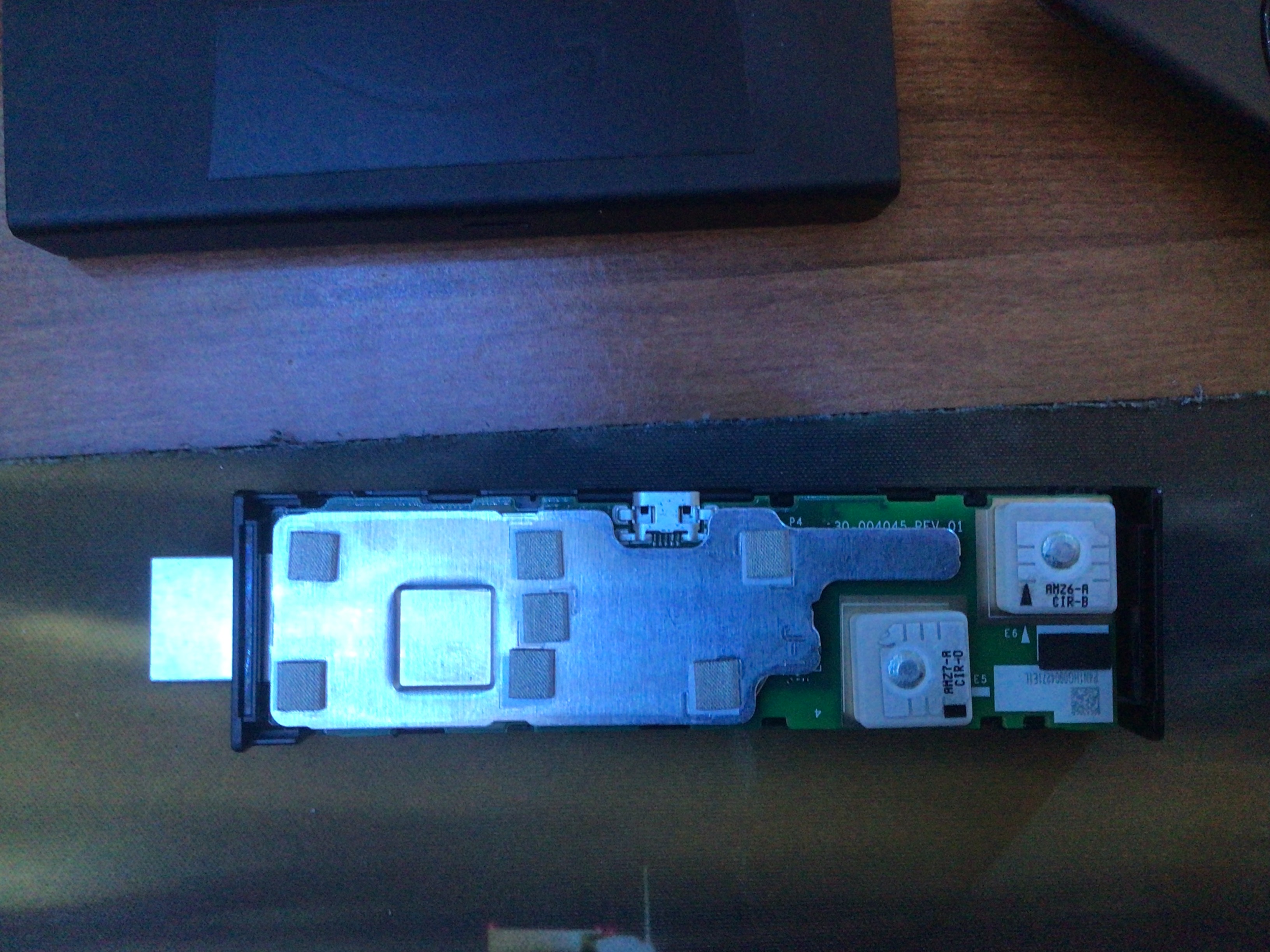
Take the PCB out of the case. On the side without the antennas (the two pale boxes), use your fingernail to pry open the shield. Pry from the extended shield part near to the end of the stick (opposite of the HDMI plug) and it should come apart easily (it might require a little strength)
Next, you'll need to short the DAT0 pin on the device. Grab something conductive (like tin foil, a paper clip, or a screwdriver) and place it in this part of shield
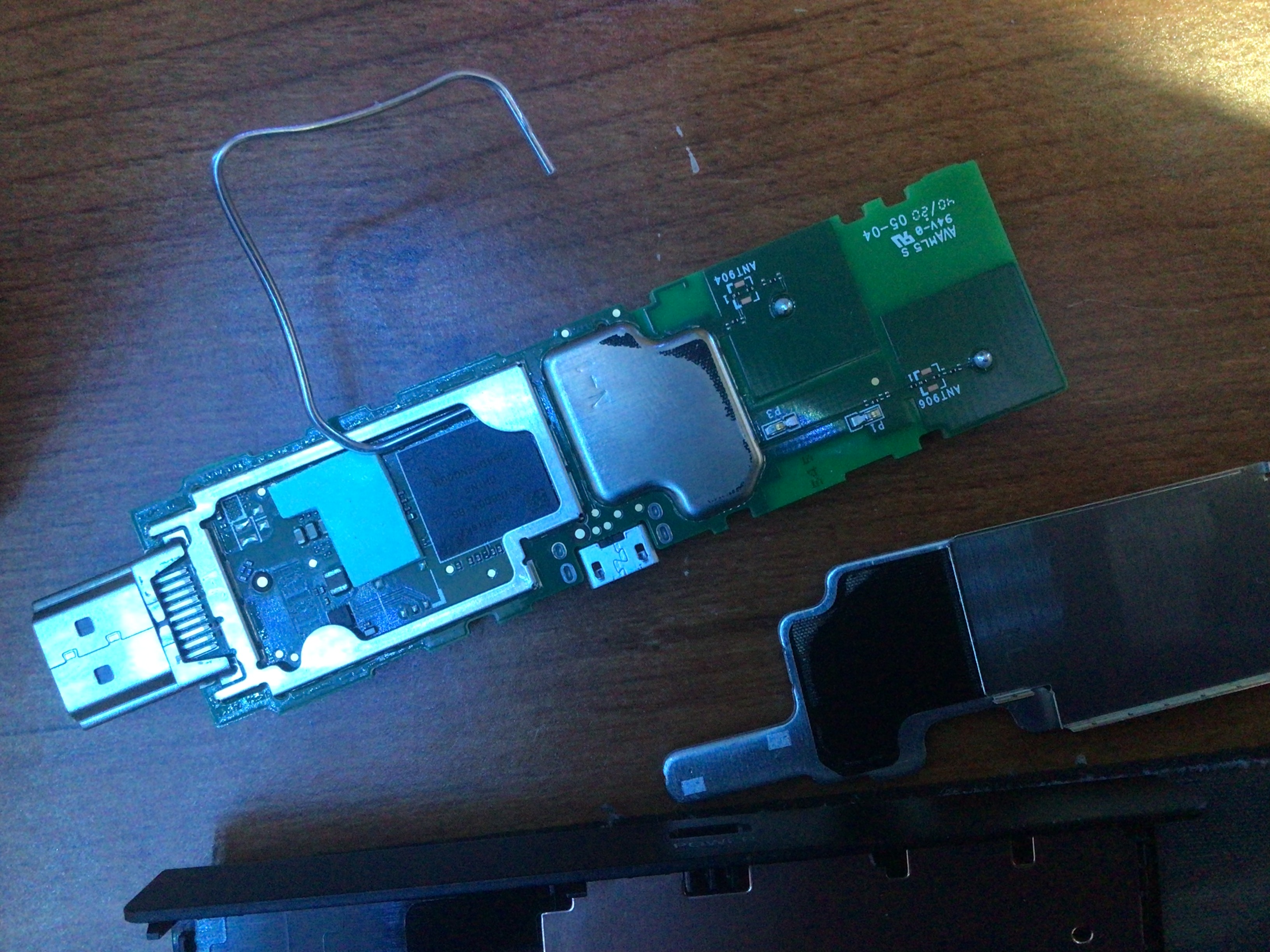
Don't worry about the short touching other components. As long as conductive material is firmly in this corner of the device's shield and touching the DAT0 pin and a ground (such as the shield frame) it should work. For reference, this is what needs to be shorted (with the shield frame removed)
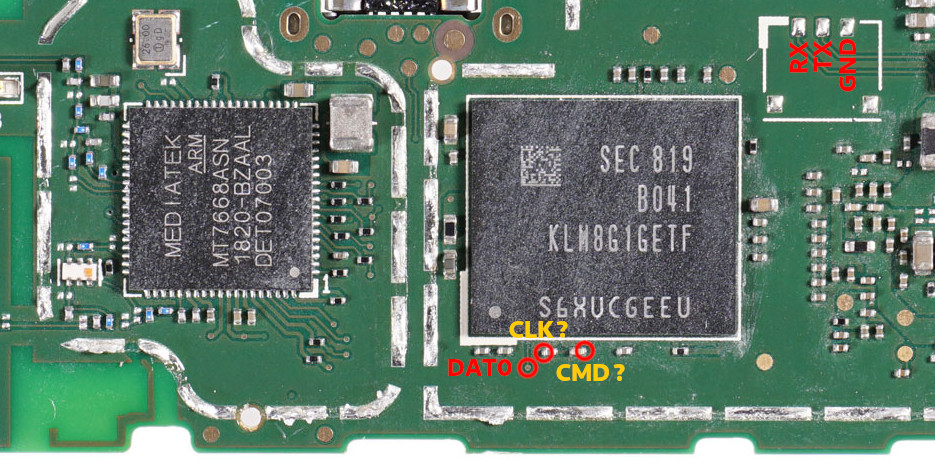
Diagram image credit: hwmod
Running Kamakiri
In the FireISO, clone this repository (or download its contents and access it using another drive if you're unable to connect to the Internet in the FireISO)
Run ./fastboot-step.sh
While the short is connected to the device, connect the Fire TV stick to your computer using a data cable. The device should be recognized and the exploit process will begin immediately. Follow the script's instructions.
Once it's complete, run ./fastboot-step.sh to flash TWRP
Exploit troubleshooting
If you get 0001 got 1001, try moving your short. You'll have to unplug, start the script, and plug the device back in. This could take several attempts.
If you get an error like 0001 got 2001, your device is likely unsupported due to being on a newer, patched FireOS version ;(
If you get downgrade failure, giving up - comment out these three lines in modules/main.py:
if rpmb != b"\x00" * 0x100:
    dev.reboot()
    raise RuntimeError("downgrade failure, giving up")
(yeah that's sketch but it works 🤷)
Flashing LineageOS
Ensure that you're in TWRP. You can plug the device into HDMI during this time
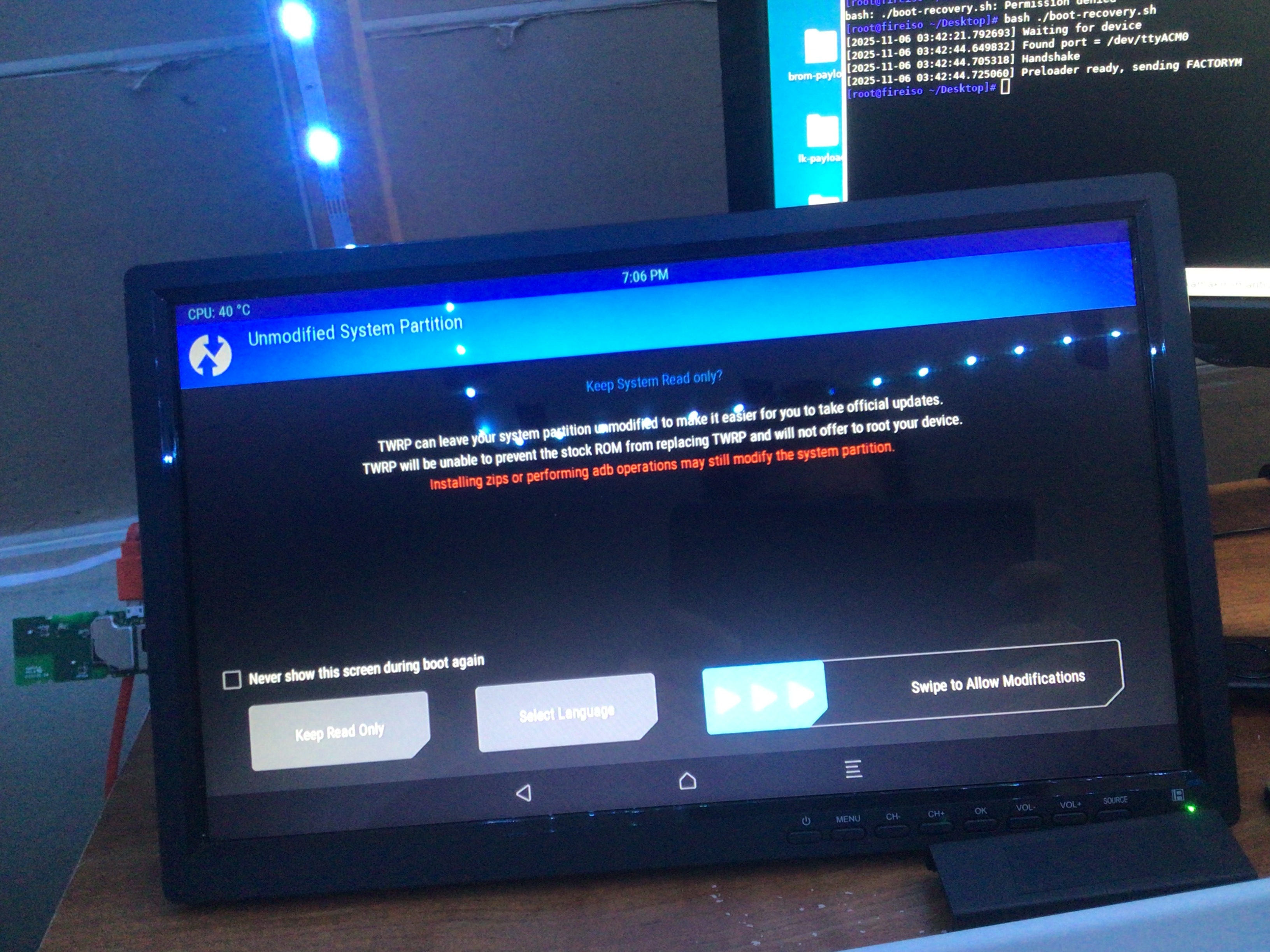
Make sure you've downloaded the LineageOS build locally. Rename it to LineageOS-mantis.zip
# This wipes FireOS - make sure you've backed up your data
adb shell twrp wipe data
adb shell twrp wipe system
adb shell twrp wipe cache

# Install lineageOS
adb push lineageOS-mantis.zip /
adb shell twrp install lineageOS-mantis.zip
Optionally install GAPPs
Download OpenGAPPs (7.1, tvstock or tvmini) and flash it using the same method above
Other notes
If you want to boot into TWRP, you can run ./boot-recovery.sh and then connect the device
It is possible to connect a mouse & keyboard using the device's OTG port to access TWRP (or you can just use ADB which is far easier)
If you want to experiment more with turning this into a Linux server, you can alternatively install PostmarketOS
Enjoy!